The Stylized Grooming Blueprint Part 1: Silhouette First, Primitives Second
When artists start a groom in XGen, they usually make the same mistake: They generate hairs as fast as possible to see wh... ...at it "looks like."
This is the fastest way to create a messy, unappealing groom.
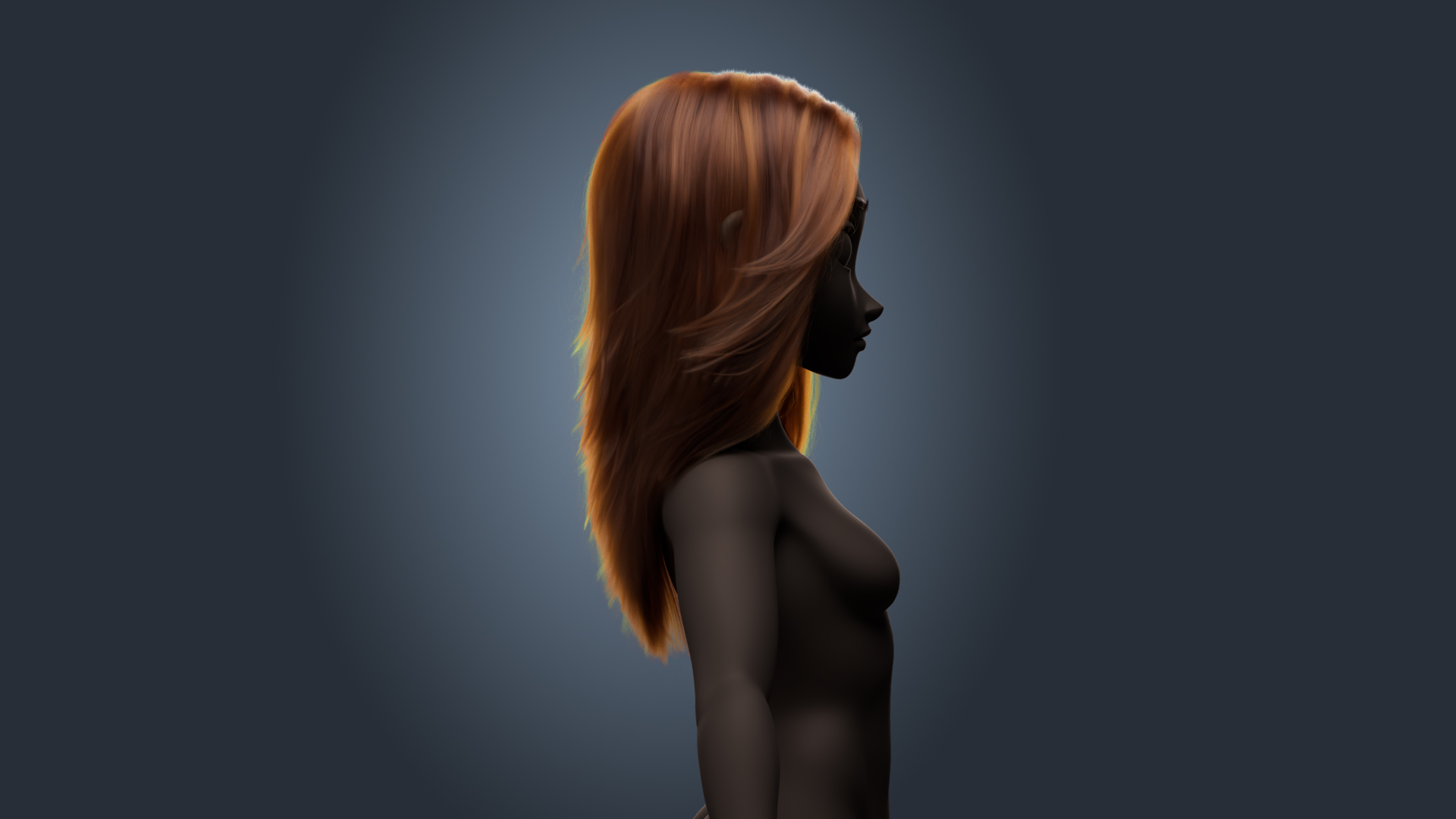
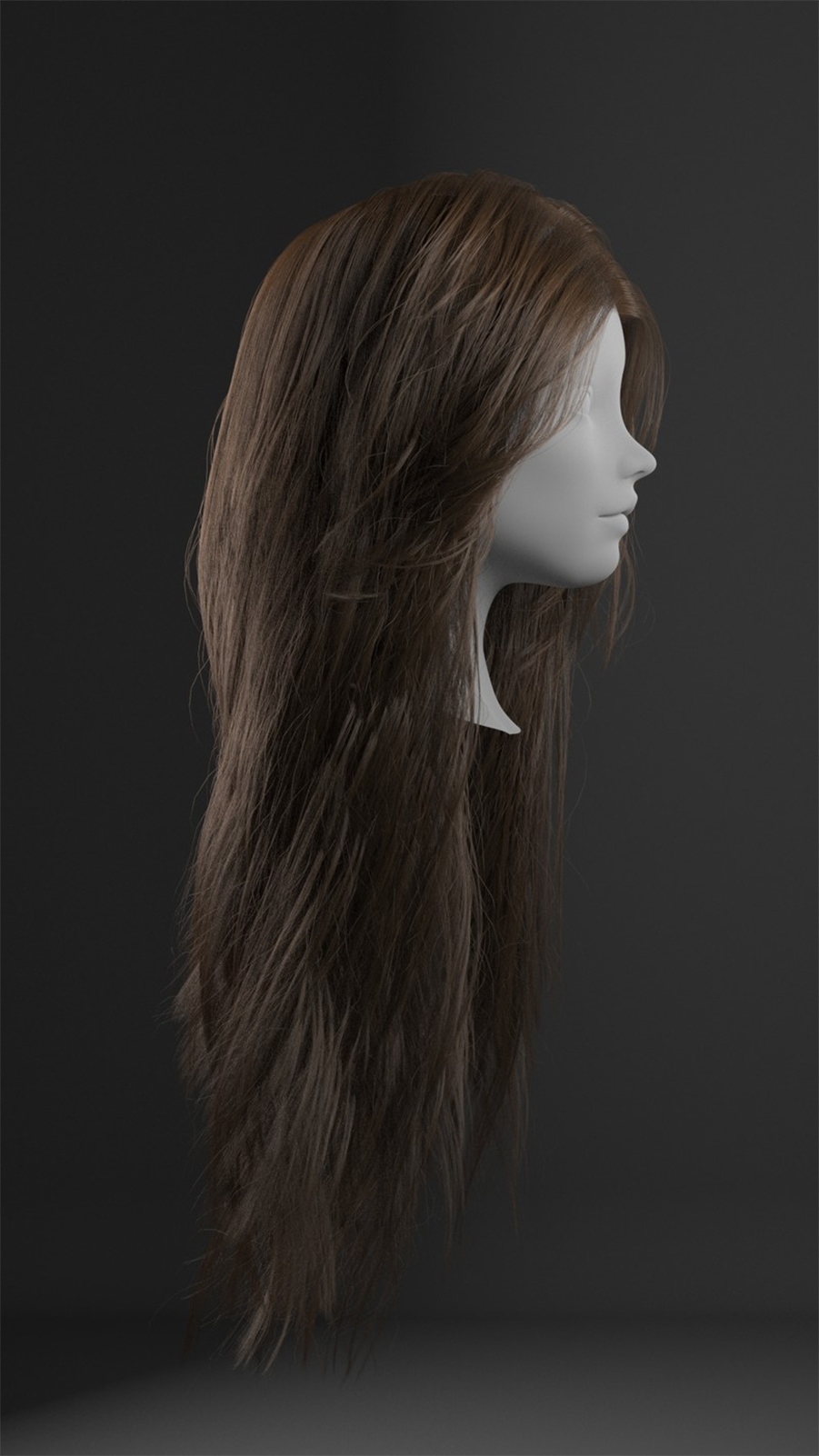
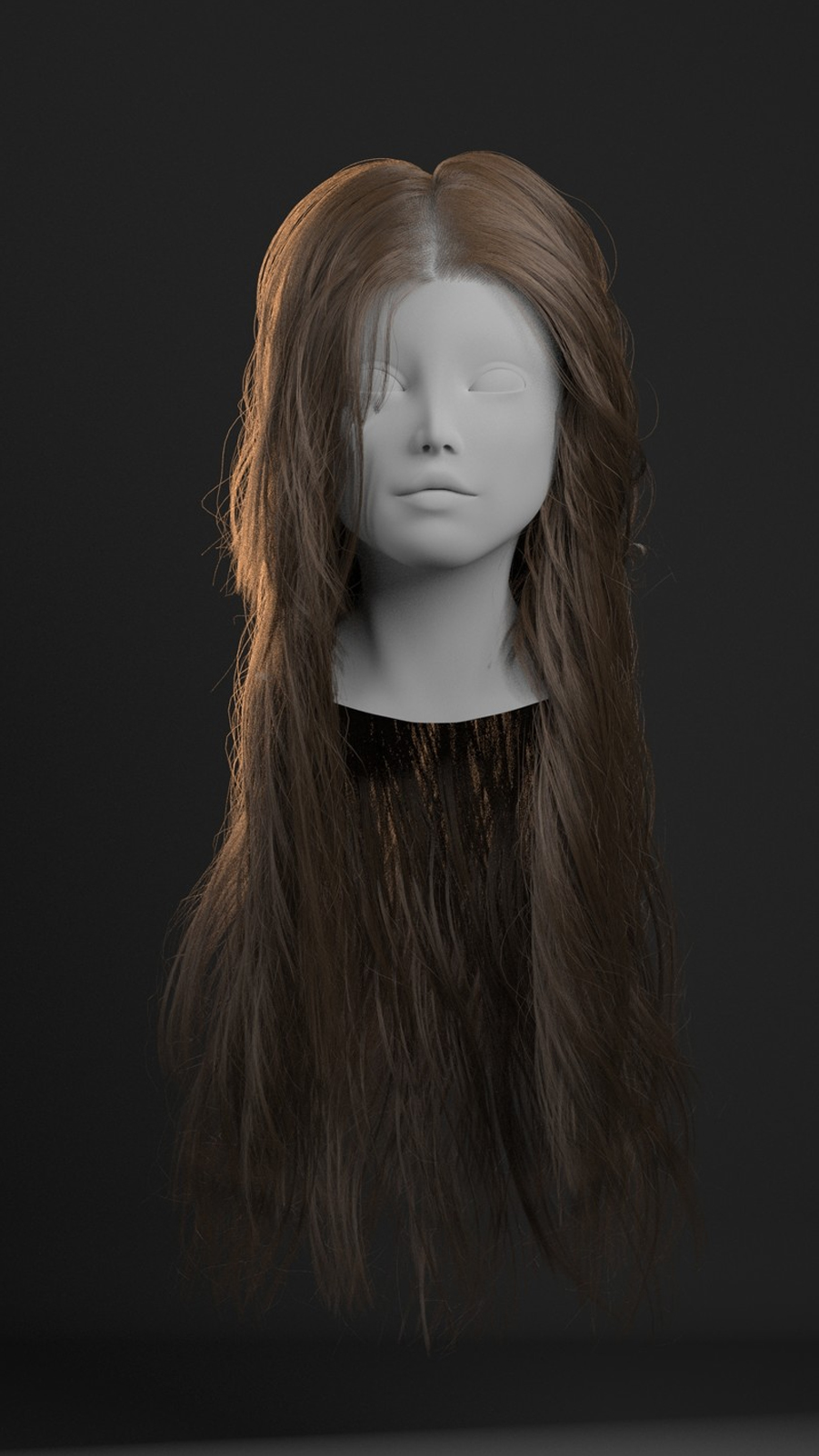
The Secret of the Masters: The "Guide-Only" Test If you want to master stylized hair, you have to stop thinking about "hair" and start thinking about Graphic Shapes. In my recent work, I spend 80% of my time on the Guides. Before I even enable the hair primitives, I make sure the guide curves alone tell the whole story. If the guides don't look like a beautiful, flowing hairstyle in the viewport, your final render never will.
Why the Silhouette is King:
Readability: In a stylized character, the hair defines the character's icon. If the silhouette is noisy, the character looks "cheap."
Directional Flow: Guides are your "Line of Action." If your guides have a broken rhythm, the clumping modifiers will only amplify that mess.
Optimization: A groom built on a strong silhouette needs fewer hairs to look full, making your scenes render faster and crash less.
The Actionable Tip: For your next groom, set your hair density to 0.01. Focus entirely on the guides. Make sure they have a clear "S" or "C" curve. Check the character from every angle in Flat Color mode. If the shadow of the hair looks appealing, you’ve already won.
Rule #1: Don't groom hair. Design the silhouette.
Read more